Learn how to password protect folders in Windows using built-in features like compression with encryption and NTFS permissions, without installing extra software.
Speed up your Windows 10 laptop without software! Learn essential built-in tips and tricks to optimize performance, from disabling startup apps to disk cleanup
Stop your Windows laptop from overheating! Learn to clean vents, manage background apps, update drivers, check thermal paste, and optimize power settings for cooler operation.
Stop unnecessary background apps in Windows 11 to boost performance, save battery, and free up resources. Learn easy steps to manage app permissions and startup programs.
Learn how to easily show hidden files and folders in Windows 10 and 11 using File Explorer's View tab and Folder Options. Access critical system and app data.
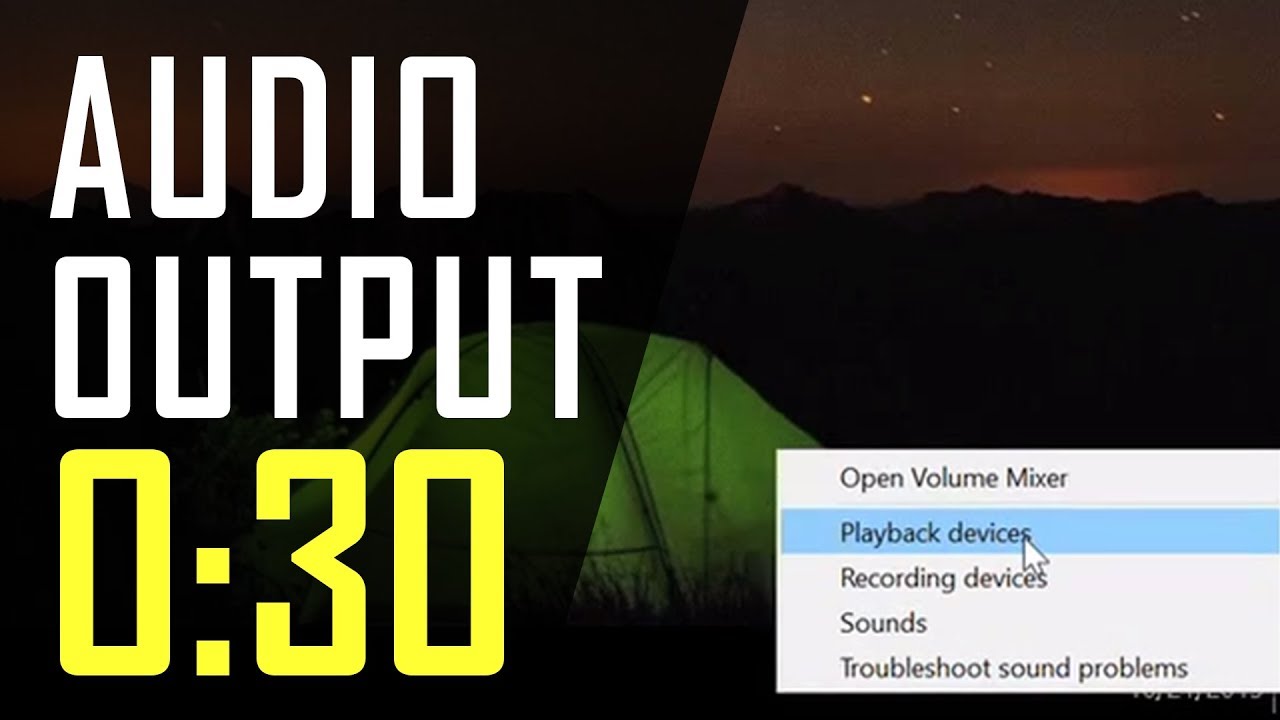
Effortlessly change audio output in Windows! Learn how to set default speakers or headphones using taskbar controls, Settings, or the classic Sound Control Panel for perfect sound.
Learn how to remove viruses from your Windows PC without third-party antivirus software, using built-in tools like Windows Security, Safe Mode, and System Restore.
Learn how to increase font size in Windows without scaling everything. This guide covers adjusting text size, using Magnifier, and app-specific settings for better readability.
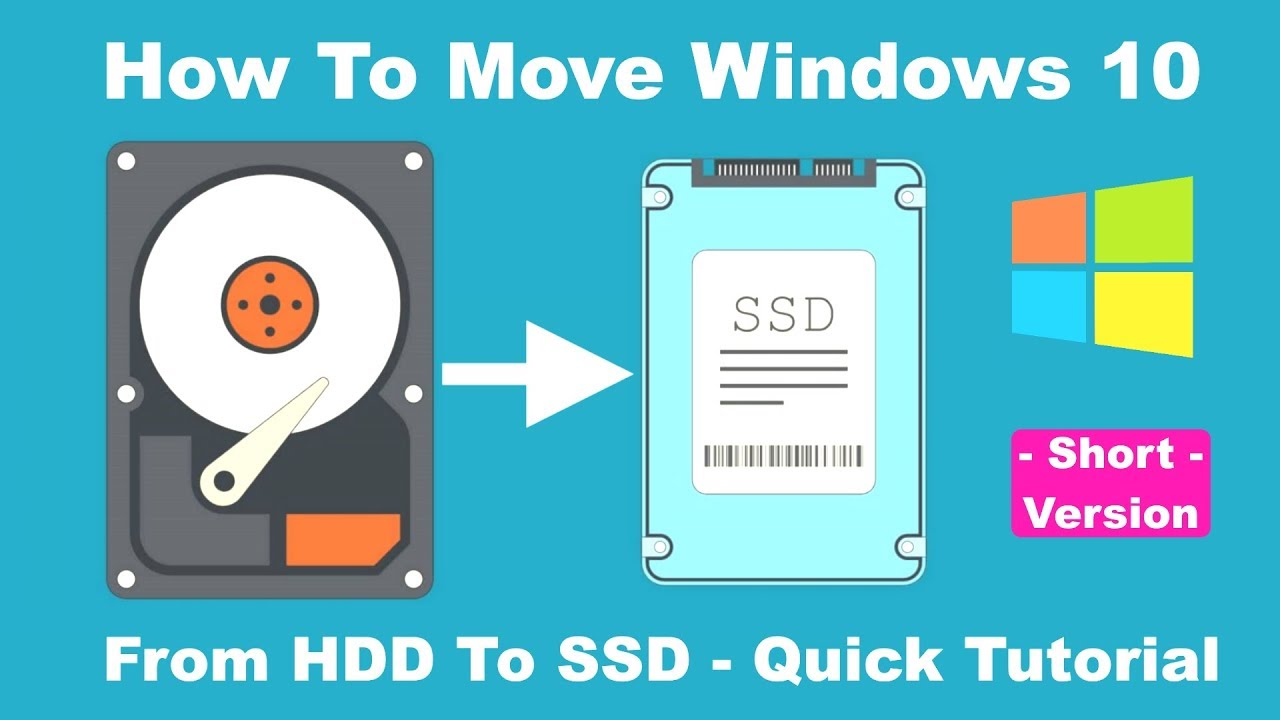
Learn how to clone your Windows OS to a new SSD without reinstalling. This guide covers preparing your SSD, choosing cloning software, and installation steps.
Learn how to block software installation in Windows 10/11 using Group Policy. Implement Software Restriction Policies or AppLocker for enhanced security and control.